Effortlessly create assignments, launch assessment questions and collect real-time responses to evaluate performance. Build on outcomes to create continuous improvement with learners at all levels.
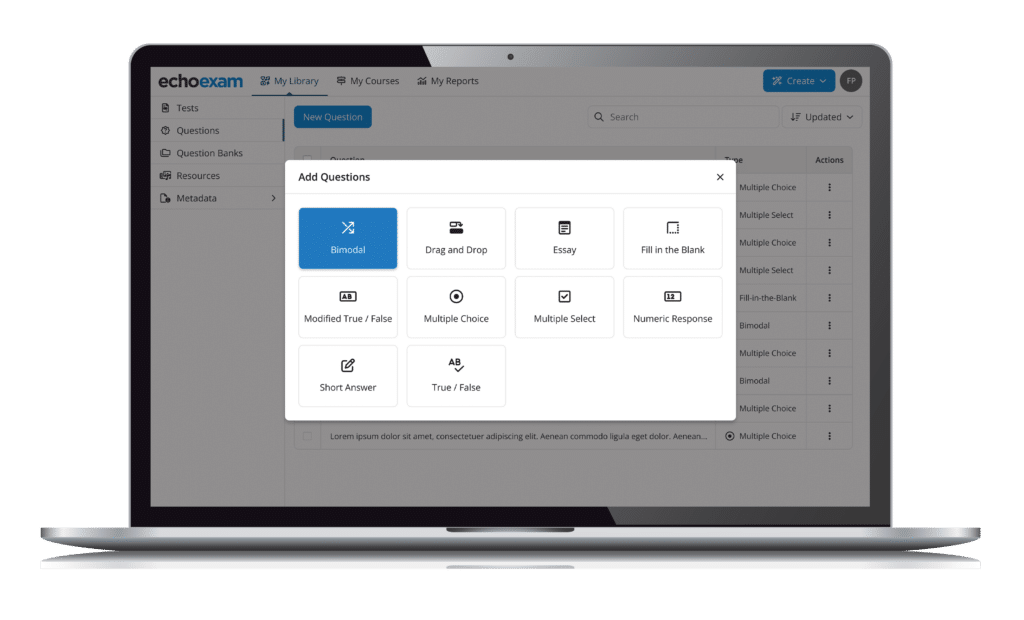
Accredited question types and personalized item banks, along with pre-existing and custom content integrations make EchoExam test creation substantive yet simple.
Trusted X Secure
EchoExam has longstanding partnerships with leading educational publishers and a 20+ year history of standards-based performance across K12 and Higher Education.
Flexible X Versatile
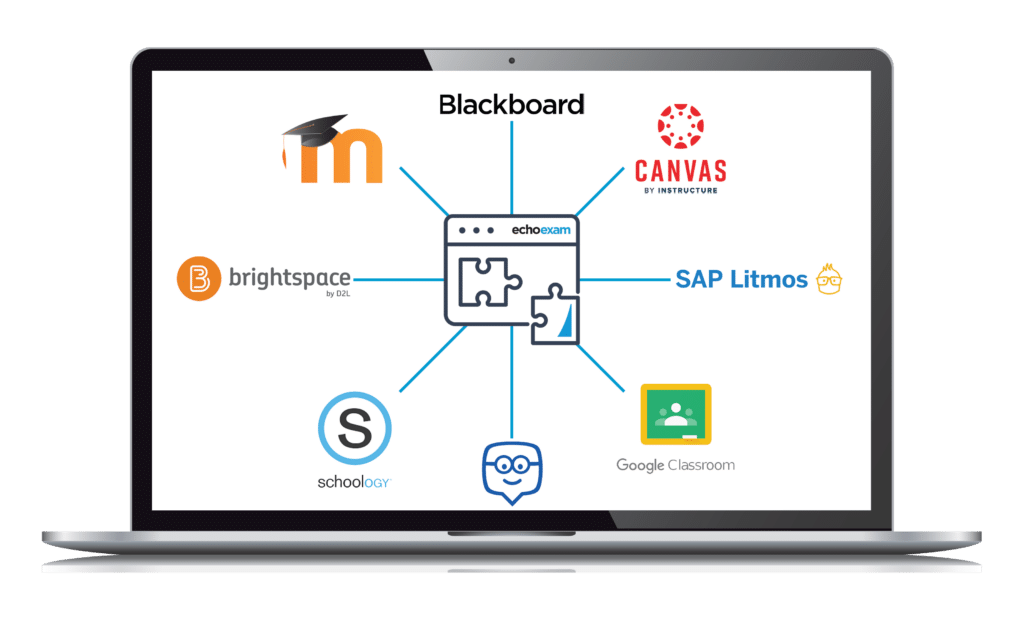
Multi-modal test creation and delivery, browser lock and proctoring capabilities, Windows, Chromebook and Mac compatibility, and superior LMS connectivity and portability make EchoExam the most versatile testing solution available for instructors, learners, and administrators.
Accurate X Actionable
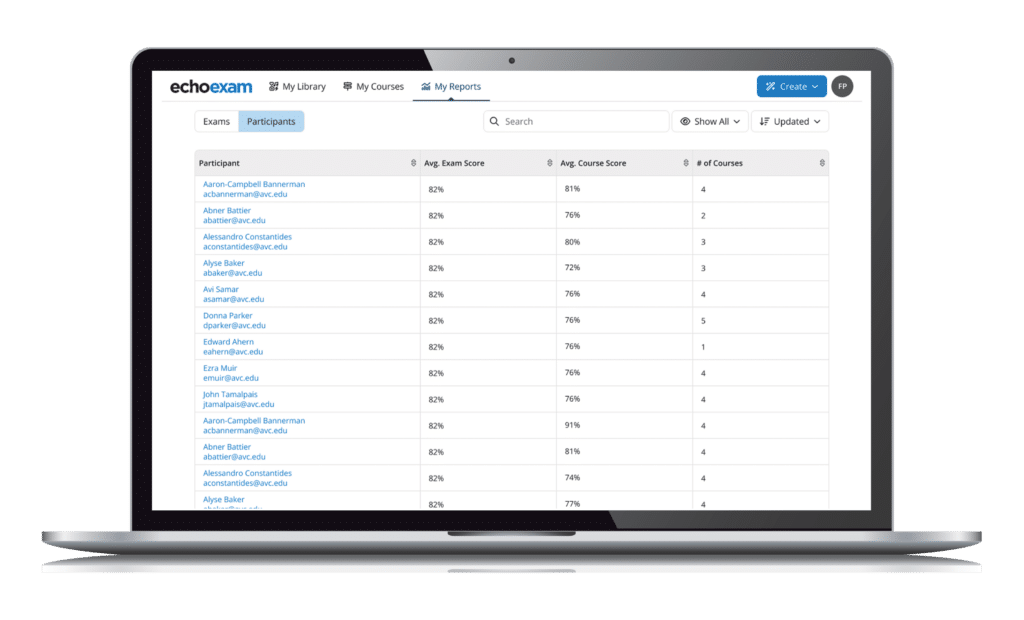
Performance results and reporting at the individual, course, and enterprise level, as well as by assessment categories, content, tags, and terms.
Best-in-class solutions powered by Echo360.
Instructors, administrators, and learners everywhere can now experience the most comprehensive suite of learning engagement, assessment, and authoring solutions
EchoPoll is a fully-optimized hybrid learning solution with the most comprehensive suite of engaged learning tools, a virtual classroom, customizable content, and utility to ingest and manage every file type you can imagine.
PointSolutions amplifies interactive learning for millions of learners around the world through live polling, competitions, and audience response innovations for in-person, remote, or hybrid environments.
Knowbly helps you create elegant, interactive learning content with customizable templates, interactive video and image editing, and flexible course outputs and learning objects (HTML5, SCORM 1.2, SCORM 2004, or xAPI).
With over 50 publishing partners, 12,000 titles, and a bank of over 15,000 approved assessment questions, EchoExam is the most widely used test generator for education and business for more reasons than one.
Our WorkSpace software provides the opportunity to control, annotate and interact with instructional materials in multiple formats, including web resources and publisher content.
MobiView is our proprietary handheld interactive whiteboard that lets instructors deliver and control content from anywhere in the room with a simple MultiHub receiver.